

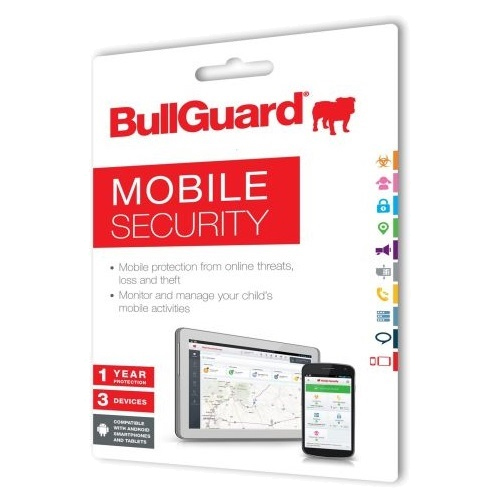
 BullGuard Mobile Security
Android based devices are rapidly becoming the target for a surging tide of malware and spyware. A cloud based antivirus engine means that infections are halted, including unwanted apps such as adware. It also scans new apps for malicious code that may be hiding in the app. Because it is cloud based you will always have the latest available protection, and scans will not drain your battery.
Features
-
Antivirus. Stop that malware
A cloud-based AV engine, that doesn’t drain your battery and ensures you always have up-to-the-minute protection. An On-Access scan automatically scans apps as soon as they are installed on your device for possible infections, malware or unwanted apps.
You get full protection against adware, trackware, Trojans, viruses, SMS bombers, data harvesters or botnets – all the shades of malware that are becoming increasingly common on Android devices.
-
Antitheft. Tracks, locates and wipes your phone.
Antitheft tools enable you to lock, locate and wipe your device remotely if it is lost or stolen – never worry about losing your sensitive data. If your device is stolen, you can lock it remotely from any web browser using the BullGuard Mobile Security Manager dashboard
You can locate your phone from any device with an internet browser –if your phone is lost or stolen
BullGuard Mobile Protection automatically locks or wipes the device if someone tries to replace the SIM card.
You can also activate an alarm to help you locate a misplaced device – even if the phone is muted. -
Backup. Always safe
Keeping your contacts, calendar and other files is vital. A simple one-click backup enables you to do this easily. All data is encrypted and sent to our servers where it’s safely stored. You can either back up from your device or via the web dashboard. And if you change your device it’s not a problem. Simply migrate the data to your new device.
-
Parental Control. Fear not
Powerful but discrete parental controls allow you to keep your kids safe
• Picture monitoring: Monitor pictures your child has stored or received on the phone.
• Application monitoring: See a list of applications that are stored on your child’s phone.
• Locate or GPS tracking: Track where your child’s device is.
• Remote Management: Monitor your child’s installed apps or photos taken with the mobile device from the Mobile Security Manager. -
Mobile Security Manager. In control – remotely
All BullGuard Mobile Protection features can be controlled remotely from the BullGuard Mobile Security Manager Web dashboard from any computer and with any browser
• Put in place your antitheft commands and run scans to ensure your device is free of malware.
• Have full control over application settings and behaviour and prevent app settings from being changed.
• Parents can discreetly view apps that are installed on the child’s device.
• Enable a GPS tracking feature which allows an app to report on the device’s location. -
Easy to use
BullGuard Mobile Protection has an elegantly simple design making it easy to use. Intuitive design, ensures all features are easy to navigate
• Web dashboard can be easily be accessed from any device with an internet browser.
-
Expert support
Free support delivers expert and friendly advice at a time of your choosing. We’ll help you with any security problem you may have, via Live chat or e-mail. You can also choose online remote access support, if it makes thing easier for you.