kaspersky-total-security

Kaspersky Total Security

KTS-2019-500x500-1

  Kaspersky Total Security


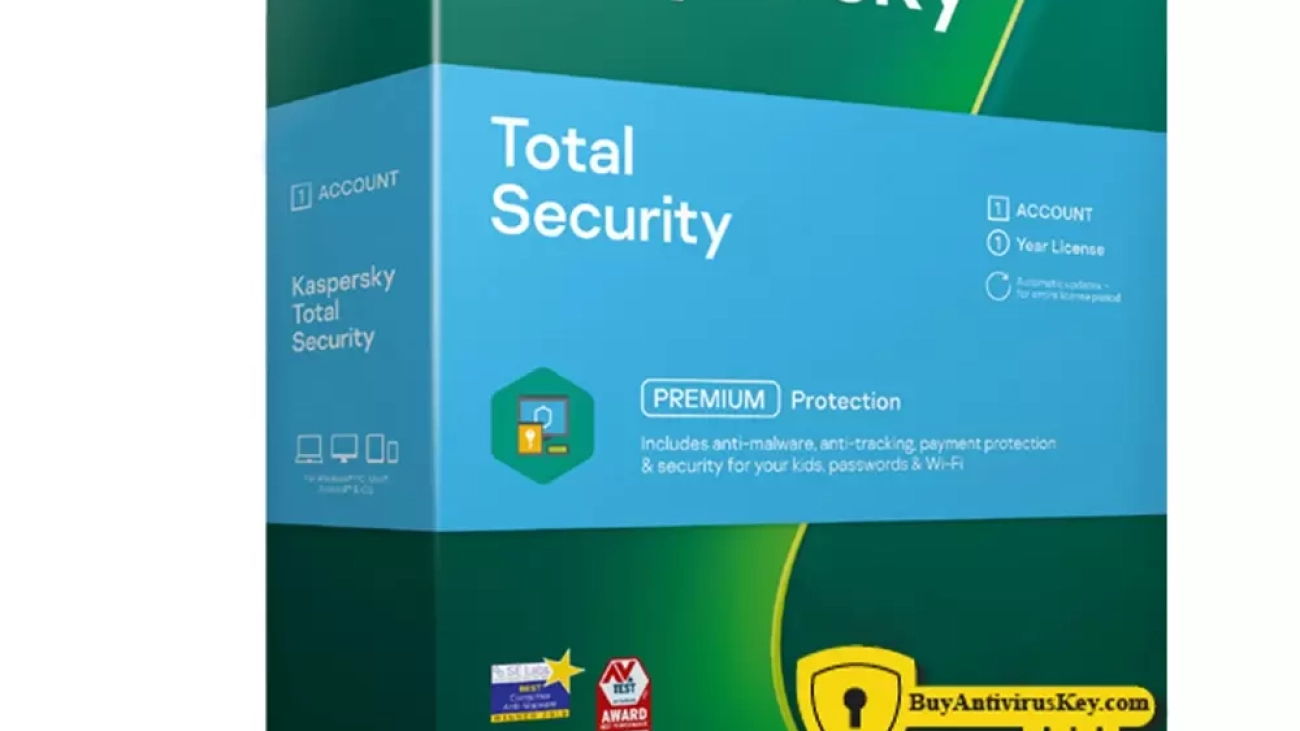
Kaspersky Total Security delivers our ultimate levels of security – protecting your privacy, money, Identity, photos and family against online threats and more. Whether you’re using your PC, Mac, Android smartphone or tablet, our award-winning technologies provide rigorous, real-time defenses against the latest malware and today’s threats.
 
Our triple-layer protection system works 24/7 to secure your devices and data. It blocks common and complex threats like viruses, malware, ransomware, spy apps and all the latest hacker tricks.
 
  • Proactive detection
    Locates device vulnerabilities & threats
  • Real-time protection
    Blocks cyberthreats before they take hold
  • Instant neutralization
    Isolates & removes immediate dangers
     
  • Anti-Hacking
Network monitoring & anti-ransomware stop hackers breaking into your home network & intercepting your data.
 
  • Anti-Virus
Real-time antivirus works to guard you from common threats like worms & trojans to complex ones like botnets, rootkits & rogues.
 
  • Anti-Malware
Advanced anti-malware neutralizes threats including spyware, adware, keyloggers, spear phishing & hard-to-detect fileless attacks.
 

Features

Get online privacy & freedom with VPN
  • Encrypt your data on risky public Wi-Fi
  • Hide your IP address, even from your ISP
  • Ensure your online actions aren’t logged
  • Connect to ultra-fast private servers


Protect your money, identity & privacy
  • Make payments via an encrypted browser
  • Stop identity thieves with Anti-Phishing
  • Secure your passwords in a private vault
  • Lock your Android apps with extra security
 
GPS tracking & alerts
Find your kids on a map, define a safe area for them to stay in and get alerted if they leave it.
 
YouTube Safe Search
 
Website filters
 
Screen time & app usage
Limit your kids’ screen time per day, per device – and manage their access to games and apps.
 
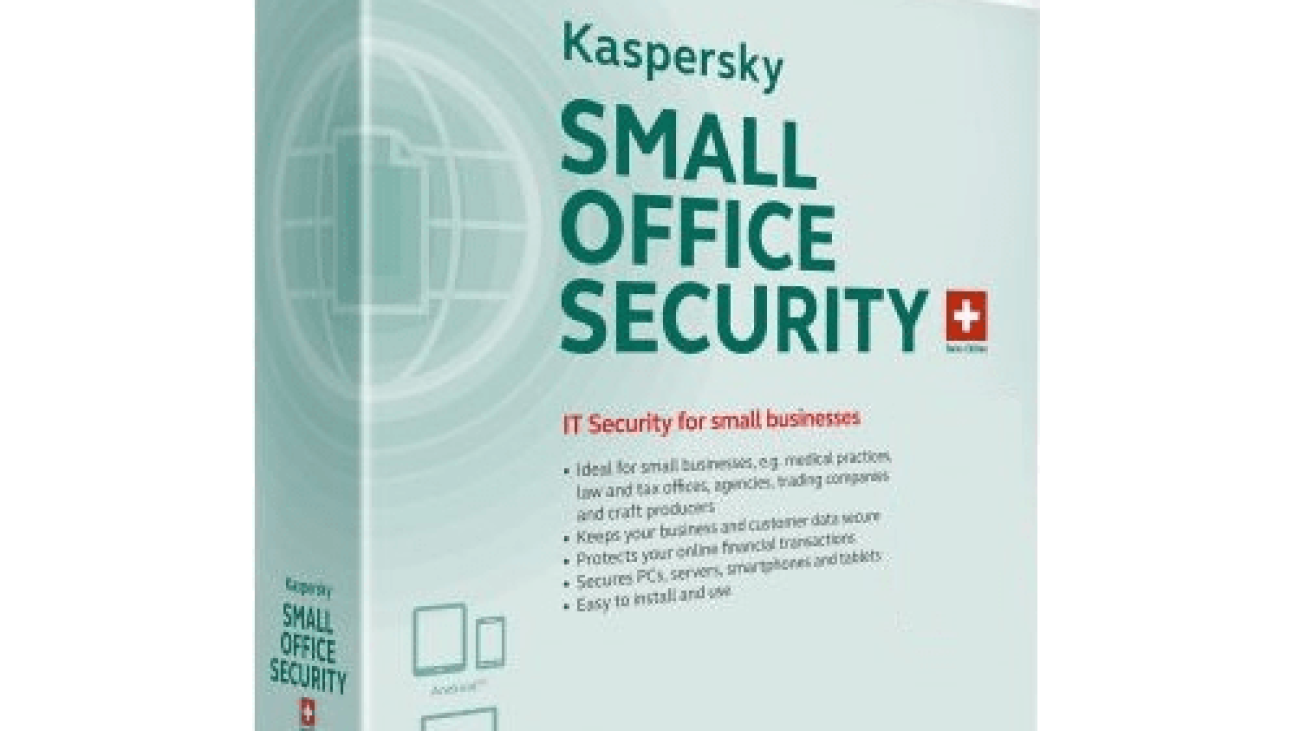
Kaspersky-Small-Office-Security-500x500-1

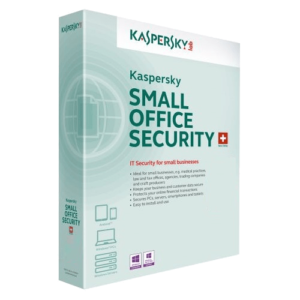
Kaspersky Small Office Security

Kaspersky-Small-Office-Security-500x500-1

  Kaspersky Small Office Security


Kaspersky Small Office Security combines the simplicity of home PC protection with special capabilities to keep your business safe while employees are working. With ‘set and forget’ security, it protects your Windows and Mac PCs and laptops, as well as your Windows file servers, to secure the files you value most.

  • Advanced ransomware protection and rollback to avoid someone’s accidental click makes computers locked down
  • File Encryption and Backup to secure your intellectual property and trade secrets
  • Safe Money to pay bills and taxes online with confidence
  • Android device protection so your employees can work safely from their personal smartphones and tablets
  • Built-in vulnerability scanning to ensure the business apps you use are safe from intrusion

Features

 
DOES ITS JOB WHILE YOU DO YOURS

A security solution that doesn’t demand your attention, letting you focus on your business priorities. It protects your employees without distracting them with messages or notifications, so they can work uninterrupted. Kaspersky Small Office Security just does its job while you do yours.


PROTECTION AGAINST RANSOMWARE FOR NEGLIGENT EMPLOYEES

Even if an employee has followed a malicious link and ransomware tries to encrypt work files, a backup copy of the unencrypted file is automatically created for you to restore.


AVOID THE TRAPS OF ONLINE FRAUD AND SCAMS

Extra layers of security help prevent thieves stealing your company’s money: When you access shopping or banking websites, our unique Safe Money technology checks that the website is secure, and ensures that the site is genuine before opening it in a special, protected mode (for PC and Mac only).


PREVENT ACCOUNT TAKEOVER FRAUD

Password Manager stores and secures all your passwords and valuable files across all the devices you use – you only have to remember one password.

Get notified if your file server has a weak password (like ‘1234’) or if your password hasn’t been changed for a long time.


EASY-TO-USE PROTECTION FOR YOUR ENTIRE BUSINESS
Multiple layers of protection in one easy-to-use package – no experience needed to get maximum security across your business with minimum fuss.
 
  • Convenient web portal

As a business solution, Kaspersky Small Office Security has a dedicated portal – ksos.kaspersky.com – for your convenience, where you can check your license status and expiration date, see the devices protected or send a support request if you need help.

 
  • Secure Windows File Server

Protect Windows file servers from ransomware and cryptolockers: System Watcher detects and blocks malicious activity, and allows rollback of malicious actions.

Software updater provides a list of new updates available for installed applications, making it easy to delete unused or outdated system data.

 
  • Work safely on mobile devices

Need to work on the go? Kaspersky’s mobile security technologies mean you stay protected, wherever you’re working from – including when employees use their own mobile devices for work. Protect Android-based smartphones and tablets – including lock, wipe and location of missing devices.

 
  • Safe Internet, email and privacy

Guard against attempts to hijack your business data and network by blocking malicious sites. Block suspicious downloads, filter out phishing emails and malicious attachments. Search for and remove unwanted and unsafe browser extensions and protect your privacy with special “do not track” functionality.

 
  • Safely store and transfer valuable files

Backup and encryption technologies protect your sensitive data from breaches, fines and lost business. Data vault gives you an extra layer of security, with password protected storage on your computer to keep sensitive data away from prying eyes.

 
  • Security you can trust – and we can prove it

No other vendor can match Kaspersky’s record of success in independent tests. In 2020, Kaspersky products participated in 62 independent tests and reviews. Our products were awarded 45 firsts and ac

kaspersky-security-cloud-personal

Kaspersky Security Cloud Family

Kasp-Family-Cloud-500x500-1

  Kaspersky Security Cloud Family


Kaspersky Security Cloud is a comprehensive solution that protects you on all your devices. Working on all main operating systems – including Windows, iOS, macOS and Android – it comes with a range of advanced security tools and technologies, including ones that adapt in real-time to protect you 24/7.

Furthermore, Kaspersky Security Cloud is packed full of features including antivirus, anti-ransomware, password management, VPN, data leak detection, home Wi-Fi network monitoring, HDD health check and parental controls. All designed to give you peace of mind that whatever you do online, your data and privacy and are always protected.

Access our entire family of apps for your desktops and mobiles. From antivirus to privacy and performance tools, pick what you want to stay safe from threats like malware, spyware and hackers. Enjoy exclusive features:

  • Check your online accounts for data leaks
  • Monitor your home Wi-Fi for intruders
  • Learn when HDD problems put your files at risk

Features

Account Check

If hackers have your email addresses, they can break into your Netflix, Facebook or other accounts.

Enter your email addresses to see if they’ve been leaked from your accounts & get advice on how to manage issues.


Home Network Monitor

Get notified when a new device joins your home Wi-Fi network so you can identify unauthorized guests & kick them out.

Plus use the same technology to monitor smart devices like your thermostat, oven or doorbell.


Hard Drive Health Monitor

Receive 24/7 monitoring of your internal and external hard drives, including reports on their performance, condition and temperature.

Get told instantly if problems are detected so you can backup your photos, files and data.


Keep your kids safe online & in the real world

  • GPS tracking & alerts

Find your kids on a map, define a safe area for them to stay in and get alerted if they leave it.


  • YouTube Safe Search

View your kids’ YouTube search history & stop them searching for inappropriate adult topics.


  • Website filters
  • Screen time & app usage
Limit your kids’ screen time per day, per device – and manage their access to games and apps.
Kaspersky-Internet-Security

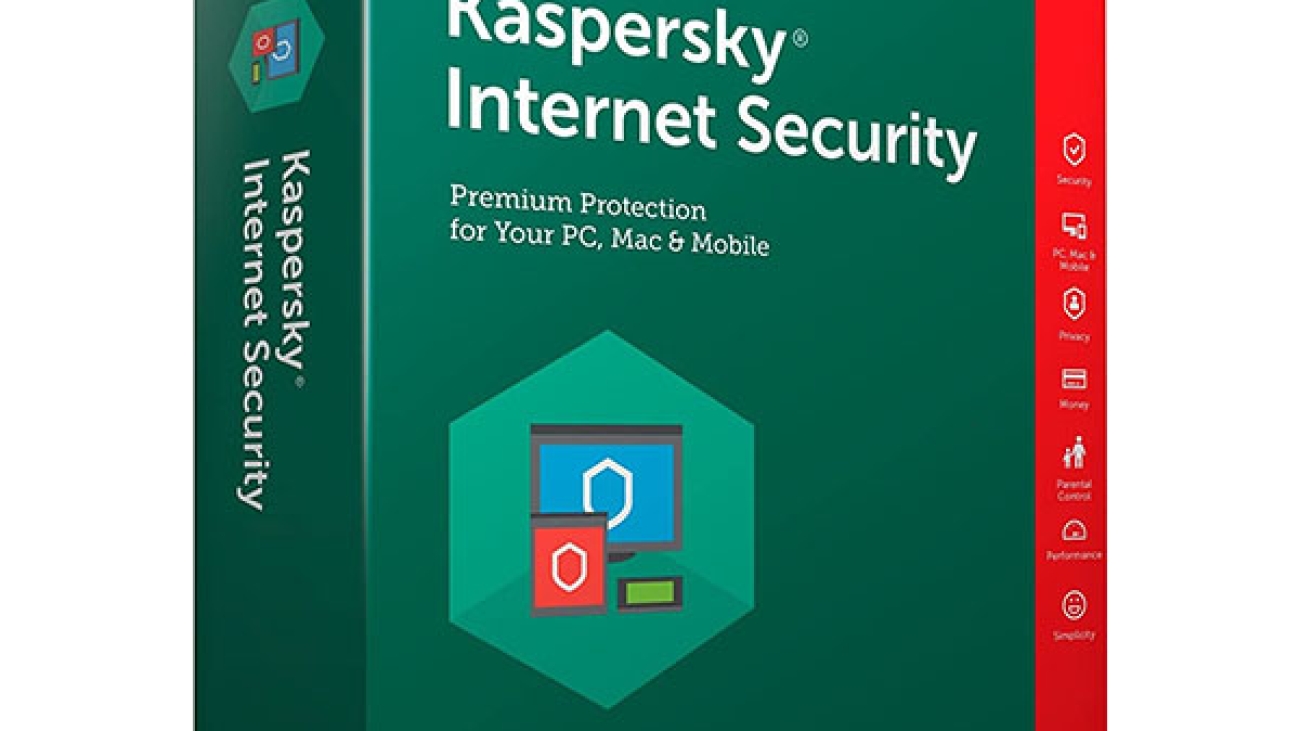
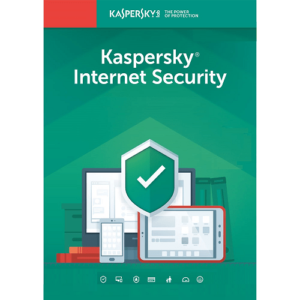
Kaspersky Internet Security

KIS-2019-500x500-1

  Kaspersky Internet Security


Premium Protection—Kaspersky Internet Security delivers innovative Hybrid Protection to keep you safe from today’s complex, ever-evolving threats. Whether you’re banking, shopping, or social networking online, you can have complete confidence that your account details are secure, you won’t stumble onto dangerous websites, and you’ll only receive safe messages from your friends.


Key Features:

  • Combines our essential antivirus protection with premium Internet threat defense
  • Prevents hacker attacks with two-way firewall
  • Secures your identity while online banking & shopping
  • Checks instantly for file, application & website safety
  • Rolls back most harmful malware activity
  • Keeps your children safe & responsible with advanced parental controls

Features

Core Protection

  • Innovative Hybrid Protection
    Our innovative Hybrid Protection combines the power of the cloud with our advanced technologies housed on your PC to deliver a faster, more effective response to today’s complex, ever-evolving threats. You’ll benefit from the speed and volume of security data from the cloud, while also taking advantage of our ability to detect and analyze suspicious behavior on your PC; capture malware that is passed to you while you’re offline via a USB or other device; and block, treat, or rollback harmful activity. The result of this hybrid combination is unmatched security that won’t slow you down, leaving you free to enjoy the Internet and your PC to their full potential.


  • Combining our Core Protection with Premium Internet Threat Defense
    Kaspersky Internet Security combines all of the essential protection of our leading antivirus software with additional layers of defense against hackers, malicious applications and websites, identity theft, spam, and even the most complex Internet threats. There’s no better protection for when you’re surfing the web, banking and shopping online, social networking, and enjoying the Internet to its full potential. Plus, with intelligent scanning, smart updates, and an incredibly user-friendly interface, Kaspersky Internet Security is the easiest, least intrusive way to ensure you’re always safe.


  • Rapid, Real-Time Reaction to New Threats
    New Internet threats emerge with lightening speed, and the latest Kaspersky technologies are there to protect you with real-time data from the cloud. Plus, you’re linked to millions of participating Kaspersky Security Network users around the world. When suspicious or unrecognizable data is encountered on those systems, it’s automatically analyzed by our lab, and real-time, protective updates are issued to all of our users, giving you the ultimate protection as new threats emerge.


  • Two-Way Firewall
    Kaspersky’s best-in-class, two-way firewall provides a secure perimeter around your PC to keep hackers out. But it also provides protection in the opposite direction by controlling what’s transmitted from your PC to the outside world, stopping malware from sending out your personal information. It’s one more layer of defense keeping your personal information from falling into the wrong hands.


  • Anti-Spam
    Spam can be more than an annoyance—it can be a vehicle for delivering malware to your PC. Kaspersky utilizes the latest cloud technologies and advanced behavioral analysis to quickly and efficiently recognize and block new spam.


Advanced Protection

  • Proactive Detection of Unknown Malware
    The latest Kaspersky technologies proactively seek out suspicious activity on your system—without draining performance. Potential threats are monitored and analyzed with real-time, cloud technologies, and dangerous actions are completely blocked before they can cause any harm.


  • Rollback of Malware Changes
    Kaspersky’s multiple layers of protection are your best defense against cybercrime, delivering premium protection from new and emerging threats. And if an unknown piece of malware does manage to find its way onto your system, Kaspersky’s unique System Watcher will detect the dangerous behavior and allow you to undo most unwanted and harmful activity.


  • Safe Run*
    Kaspersky’s innovative Safe Run mode provides an added layer of protection for running suspicious or unknown applications, files, emails, and websites. The “safe desktop” mimics your actual desktop, but is completely walled-off from your data and PC settings, so you can test-drive anything suspicious with total confidence that no harm will come to your system. *Works on 32-bit operating systems


  • One-Click Security Checks
    The security status and reputation of any application, executable, or script is now at your fingertips. With a single mouse-click, File Advisor uses cloud technologies to instantly send you information such as filename, size, date created and last modified, threat rating, digital signature, geography, distribution, and other Kaspersky users’ level of trust. Now you can make more informed decisions about the files you’d like to access.


  • Safer Surfing with URL Advisor and Safe Surf
    Kaspersky Internet Security acts as your personal security guide as you surf the web. Our updated URL Advisor now adds color-coded tags to all web links within search results to advise you of the danger level of the link and subsequent pages. And our customizable Safe Surf alerts you to suspicious sites, helping you make informed decisions about where it’s safe to share your personal information.


  • Online Banking Mode*
    Online banking is incredibly convenient, and Kaspersky makes it safer than ever. Simply enable Kaspersky’s unique Online Banking mode and the financial websites you access will automatically open in a special walled-off environment. This extra layer of security keeps hackers out and ensures your financial information is always safe.
    *Works on 32-bit operating systems


  • Application Control
    Kaspersky’s unique Application Control uses real-time, cloud-based threat intelligence to determine security privileges for every application you launch—without impacting system performance. Unknown or suspicious applications are watched or restricted from potentially-harmful actions, and potentially dangerous applications are completely blocked from harming your system.


  • Vulnerability Detection
    One of the easier ways for cybercriminals to find a hole in your protection is through application and system vulnerabilities that haven’t been updated with the latest fixes. Kaspersky Internet Security finds these vulnerabilities, and assists in patching the holes in your protection before they can be exploited by viruses, spyware, and identity thieves.


  • Secure Social Networking for You and Your Children
    The latest Kaspersky technologies allow you to fully enjoy social networking, knowing your Facebook, MySpace, and Twitter accounts won’t receive malicious links or software from your friends. Plus, you can ensure your children’s safety by controlling which contacts are allowed for communication, monitoring messaging logs, and specifying any personal information you want blocked from transmitting.


  • Geo Filter
    Kaspersky’s unique Geo Filter lets you block content from specified countries. If you have no interest in content from non-English peaking countries – which include many with a history of producing malware—you can prevent that potential malware from reaching your machine. Now you don’t have to worry about a perfectly legitimate and trusted English-language website being compromised and sending you malware from an overseas server.


  • Network Attack Blocker
    Kaspersky scans all incoming network traffic for activities that are characteristic of a network attack. If an attempt to attack your computer is detected, Kaspersky blocks any and all network activity from the attacking computer.


  • Rootkit Detection
    Rootkits are designed to conceal system infections, and can be very difficult to detect by common antivirus tools. Kaspersky Internet Security uses special methods specifically designed to detect rootkits before they install, ensuring you’re protected from this advanced threat.


Identity Protection

  • Anti-Phishing Defense
    Phishing attacks are becoming more common, and much more tricky. It’s increasingly difficult to know if an email is really from your bank, for example, or a cybercriminal trying to lure you into revealing confidential information. Kaspersky uses cloud technologies to update and reference an online database of phishing websites in real-time, and proactively analyzes URL’s, so new phishing attacks are caught as soon as they emerge. You can be confident that your digital identity is always safe.


  • Online Banking Mode*
    Online banking is incredibly convenient, and Kaspersky makes it safer than ever. Simply enable Kaspersky’s unique Online Banking mode and your financial websites will automatically open in a special walled-off environment. This extra layer of security keeps hackers out and ensures your financial information is always safe.
    *Works on 32-bit operating systems


  • Virtual Keyboard
    Kaspersky’s Virtual Keyboard is a special online tool for entering private data such as credit card numbers and passwords. It’s an on-screen keyboard you use with a mouse, so the data you enter can’t be tracked or stolen by keyloggers, hackers, or identity thieves. It’s one more layer of defense ensuring the safety of your digital identity.


Family Protection

  • Advanced Parental Control
    Keep your kids safe and responsible with Kaspersky’s award-winning family protection. Control access to the PC, Internet, applications, games, and websites. Block, limit, or log communications via IM and social networks. Control file downloads. Even block the transfer of private data such as phone and credit card numbers. Now you can easily and conveniently protect your kids online even when you’re not right there.


  • Secure Social Networking for You and Your Children
    The latest Kaspersky technologies allow you to fully enjoy social networking, knowing your Facebook, MySpace, and Twitter accounts won’t receive malicious links or software from your friends. Plus, you can ensure your children’s safety by controlling which contacts are allowed for communication, monitoring messaging logs, and specifying any personal information you want blocked from transmitting.


Performance

  • Intelligent Scanning
    Kaspersky’s unique technologies keep your system at maximum performance while still delivering premium protection from viruses and spyware. Files are scanned only if they’ve been opened or modified, and behind-the-scenes activities are reduced when you’re placing demands on your PC. So you can enjoy watching movies, surfing the web, or toggling multiple programs without disruption from your security software.


  • Smart Updates
    Kaspersky has always delivered especially small updates that minimize the drain on your PC’s processing power—less than 1% CPU usage! And now we’ve added another level of intelligence to our updates: only active components of the software are updated at any given time, thus minimizing the number of updates and time needed to download them. You still receive maximum protection, but with reduced network traffic and resource use.


  • Gamer Mode
    Switch on Gamer Mode to block pop-ups and reduce the use of your PC’s resources to a bare minimum. Games won’t be interrupted or slowed, and Kaspersky will still block any hackers or malware that tries to sneak onto your system.


Additional Features

  • Unmatched Usability with a New Interface
    We’ve taken a fresh, new approach to our user interface, ensuring it’s easier than ever for you to manage your PC security. You’ll find instant visibility into your protection status, one-click access to the features you use the most, and a detailed guide to how our cloud technologies are working for you.


  • Easy-Access to Security Status
    Feel confident in your protection status with a quick glance at your desktop. Kaspersky’s Desktop Security Gadget* prominently displays if your security is up-to-date, or if an action is required. Customizable buttons allow you to have the protection features you use the most close-at-hand. And you can drag and drop files onto the gadget for easy, on-the-spot virus scanning.
    *Works with Windows Vista & Windows 7


  • Installation on Infected PCs
    If your PC is so severely infected that no antivirus software can be installed on it, Kaspersky will download a proprietary tool to scan and eliminate all threats. If the damage is so severe that the operating system can’t even launch correctly, the Kaspersky Internet Security installation CD can be used as a bootable Rescue Disk to detect and eliminate all infections. You can then quickly and easily proceed with the product’s installation.


  • Optimized for Netbooks
    Kaspersky Internet Security supports screen resolutions found on netbooks – including 1024×600 and 1366×768 – with no impact to system performance.


  • Free Technical Support
    Free North American-based technical support is available via telephone, email, and online chat. Additional support includes Kaspersky knowledge base, an online database of detailed answers to questions about installing and using Kaspersky Lab products.
kaspersky-antivirus-software

Kaspersky Anti-Virus

KAV-2019-500x500-2

  Kaspersky Anti-Virus


Essential Protection—Kaspersky Anti-Virus delivers core protection from the latest viruses, malware, and more. It works behind-the-scenes with intelligent scanning and small, frequent updates, while proactively protecting you from known and emerging threats.


Key Features:

  • Harnesses the power of the cloud and your PC with Hybrid Protection
  • Detects and helps repair program vulnerabilities
  • Scans all websites and emails for malicious software
  • Checks instantly for safety of files, applications and websites
  • Rolls back most harmful malware activity
  • Maximizes PC performance with speed and efficiency

Features

Core Protection

  • Innovative Hybrid Protection
    Our innovative Hybrid Protection combines the power of the cloud with our advanced technologies housed on your PC to deliver a faster, more effective response to today’s complex, ever-evolving threats. You’ll benefit from the speed and volume of security data from the cloud, while also taking advantage of our ability to detect and analyze suspicious behavior on your PC; capture malware that is passed to you while you’re offline via a USB or other device; and block, treat, or rollback harmful activity. The result of this hybrid combination is unmatched security that won’t slow you down, leaving you free to enjoy the Internet and your PC to their full potential.
  • Core Protection with the Latest Kaspersky Lab Technologies
    Kaspersky Anti-Virus is the backbone of your PC’s security system, packed with the latest technologies from our team of over 850 world-class security experts and engineers. It works behind-the-scenes with intelligent scanning and small, frequent updates, while delivering real-time, cloud-enabled protection from the latest threats, and proactive protection from unknown and emerging dangers. It’s essential protection that won’t slow you down.
  • Rapid, Real-Time Reaction to New Threats
    New Internet threats emerge with lightening speed, and the latest Kaspersky technologies are there to protect you with real-time data from the cloud. Plus, you’ll benefit from millions of users around the world via the Kaspersky Security Network. When suspicious or unrecognizable data is encountered on one of those systems, it’s automatically analyzed by our lab, and real-time, protective updates are issued to all of our users, giving you the ultimate protection as new threats emerge.


Advanced Protection

  • Proactive Detection of Unknown Malware
    The latest Kaspersky technologies proactively seek out suspicious activity on your system—without draining performance. Potential threats are monitored and analyzed with real-time, cloud technologies, and dangerous actions are completely blocked before they can cause any harm.
  • Rollback of Malware Changes
    Kaspersky’s multiple layers of protection are your best defense against cybercrime, delivering premium protection from new and emerging threats. And if an unknown piece of malware does manage to find its way onto your system, Kaspersky’s unique System Watcher will detect the dangerous behavior and allow you to undo most unwanted and harmful activity.
  • Vulnerability Detection
    One of the easier ways for cybercriminals to find a hole in your protection is through application and system vulnerabilities that haven’t been updated with the latest fixes. Kaspersky Anti-Virus finds these vulnerabilities, and assists in patching the holes in your protection before they can be exploited by viruses, spyware, and identity thieves
  • One-Click Security Checks
    The security status and reputation of any application, executable, or script is now at your fingertips. With a single mouse-click, File Advisor uses cloud technologies to instantly send you information such as filename, size, date created and last modified, threat rating, digital signature, geography, distribution, and other Kaspersky users’ level of trust. Now you can make more informed decisions about the files you’d like to access.
  • Instant Website Safety Checks
    Kaspersky’s updated URL Advisor acts as your personal security guide as you surf the web. We’ve added color-coded tags to all web links within search results to advise you of the danger level of the link and subsequent pages. Search the web with confidence that you won’t stumble onto any dangerous websites.
  • Rootkit Detection
    Rootkits are designed to conceal system infections, and can be very difficult to detect by common antivirus tools. Kaspersky Anti-Virus uses special methods specifically designed to detect rootkits, ensuring you’re protected from this advanced threat.


Identity Protection

  • Anti-Phishing Defense
    Phishing attacks are becoming more common, and much more tricky. It’s increasingly difficult to know if an email is really from your bank, for example, or a cybercriminal trying to lure you into revealing confidential information. Kaspersky uses cloud technologies to update and reference an online database of phishing websites in real-time, and proactively analyzes URLs, so new phishing attacks are caught as soon as they emerge. You can be confident that your digital identity is always safe.
  • Virtual Keyboard
    Kaspersky’s Virtual Keyboard is a special online tool for entering private data such as credit card numbers and passwords. It’s an on-screen keyboard you use with a mouse, so the data you enter can’t be tracked or stolen by keyloggers, hackers, or identity thieves. It’s one more layer of defense ensuring the safety of your digital identity.


Performance

  • Intelligent Scanning
    Kaspersky’s unique technologies keep your system at maximum performance while still delivering premium protection from viruses and spyware. Files are scanned only if they’ve been opened or modified, and behind-the-scenes activities are reduced when you’re placing demands on your PC. So you can enjoy watching movies, surfing the web, or toggling multiple programs without disruption from your security software.
  • Smart Updates
    Kaspersky has always delivered especially small updates that minimize the drain on your PC’s processing power—less than 1% CPU usage! And now we’ve added another level of intelligence to our updates: only active components of the software are updated at any given time, thus minimizing the number of updates and time needed to download them. You still receive maximum protection, but with reduced network traffic and resource use.
  • Gamer Mode
    Switch on Gamer Mode to block pop-ups and reduce the use of your PC’s resources to a bare minimum. Games won’t be interrupted or slowed, and Kaspersky will still block any hackers or malware that tries to sneak onto your system.


Additional Features

  • Unmatched Usability with a New Interface
    We’ve taken a fresh, new approach to our user interface, ensuring it’s easier than ever for you to manage your PC security. You’ll find instant visibility into your protection status, one-click access to the features you use the most, and a detailed guide to how our cloud technologies are working for you.
  • Easy-Access to Security Status
    Feel confident in your protection status with a quick glance at your desktop. Kaspersky’s Desktop Security Gadget* prominently displays if your security is up-to-date, or if an action is required. Customizable buttons allow you to have the protection features you use the most close-at-hand. And you can drag and drop files onto the gadget for easy, on-the-spot virus scanning.
    *Works with Windows Vista & Windows 7
  • Installation on Infected PCs
    If your PC is so severely infected that no antivirus software can be installed on it, Kaspersky will download a proprietary tool to scan and eliminate all threats. If the damage is so severe that the operating system can’t even launch correctly, the Kaspersky Anti-Virus installation CD can be used as a bootable Rescue Disk to detect and eliminate all infections. You can then quickly and easily proceed with the product’s installation.
  • Optimized for Netbooks
    Kaspersky Anti-Virus supports screen resolutions found on netbooks – including 1024×600 and 1366×768 – with no impact on system performance.
  • Free Technical Support
    Free North American-based technical support is available via telephone, email, and online chat. Additional support includes Kaspersky knowledge base, an online database of detailed answers to questions about installing and using Kaspersky Lab products.